予定を、めくるように
管理するアプリを作っています。 A calendar app that lets you
manage your days, page by page.
Nokorika Studioは、スマートフォン向けカレンダーアプリ Nokorika を開発している事業者です。日々の予定をシンプルに、迷わず扱えることを目指しています。 Nokorika Studio is developing Nokorika, a calendar app for smartphones. We aim to make everyday planning simple and effortless.
事業概要About Us
カレンダーという、誰もが毎日開く場所を作る。Building the place people open every single day.
私たちは「予定を確認する」という日常的な行為を、もっと軽く、もっと自然なものにしたいと考え、スマートフォン向けのカレンダーアプリを開発しています。最初のバージョンは Google Play で公開しています。We're building a smartphone calendar app to make the everyday act of checking your schedule feel lighter and more natural. The first version is now available on Google Play.
— Nokorika Studio— Kentaro Wada
- 事業者名Business name
- Nokorika StudioNokorika Studio
- 代表者Representative
- 和田 健太郎Kentaro Wada
- 所在地Location
- 東京都渋谷区神宮前5丁目51番8号ラ・ポルト青山 2F-7Tokyo Shibuya-ku 5-51-8 Jingumae La Porte Aoyama 2F-7
- 事業内容Business
- スマートフォン向けアプリケーションの企画・開発Planning and development of smartphone applications
- 連絡先Contact
- お問い合わせページへGo to contact page
サービス・プロダクト紹介Product
Nokorika(ノコリカ) — シンプルなカレンダーアプリ Nokorika — a simple calendar app
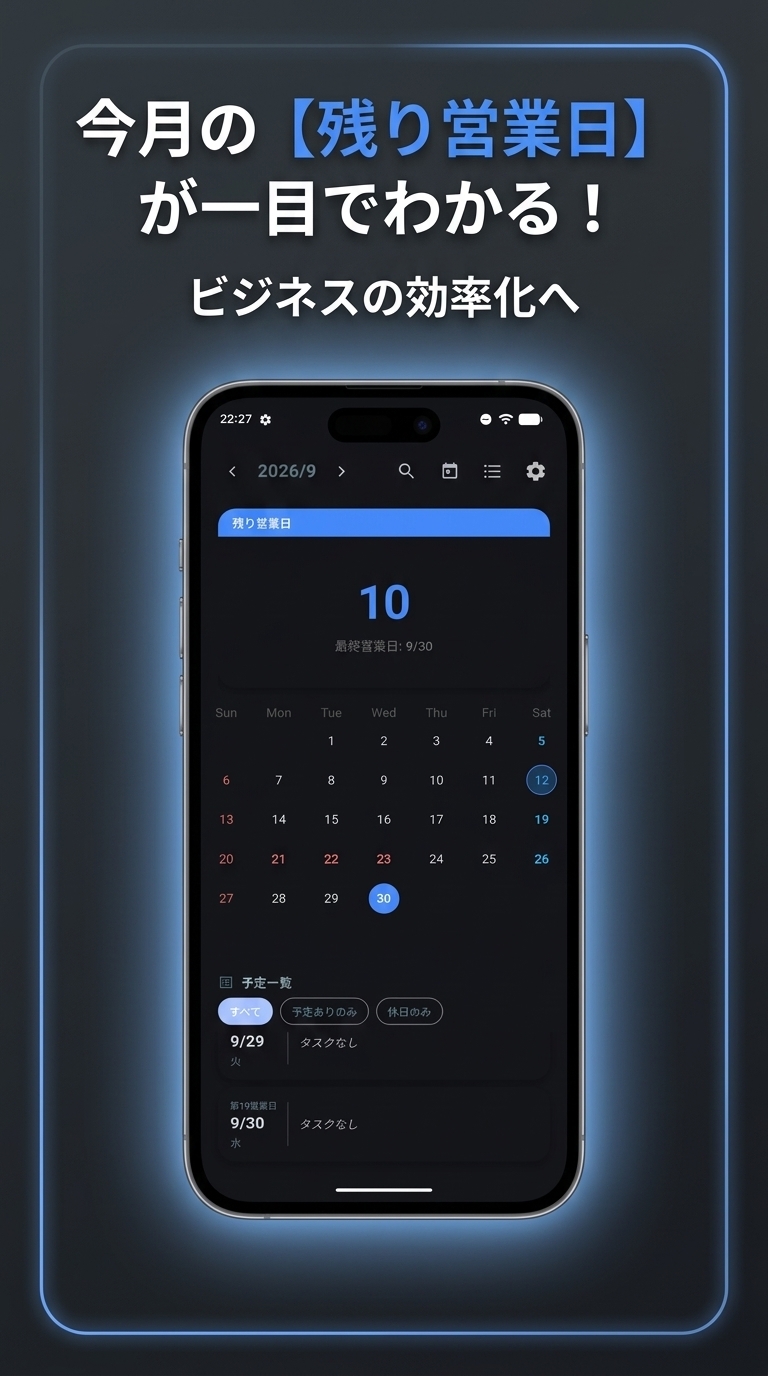
月表示・週表示を切り替えながら予定を確認できる、スマートフォン向けのカレンダーアプリです。Google Play で無料公開しています。A smartphone calendar app that lets you check your schedule in month or week view. It's free on Google Play.
- 01
月・週の切り替え表示Month / week views
見たい粒度に合わせて、月表示と週表示をすぐに切り替えられます。Switch instantly between month and week views to match how much detail you need.
- 02
シンプルな予定登録Quick event entry
タイトルと日時を入力するだけで、すぐに予定を登録できます。Just add a title and a date to create an event in seconds.
- 03
リマインダー通知Reminders
予定の前に通知を受け取り、確認漏れを防ぎます。Get notified before an event so nothing slips through.
- 04
軽快な動作Fast and light
毎日開くものだからこそ、起動と操作の軽さにこだわっています。Since it's something you open every day, we care a lot about speed.
Google Play で入手Get it on Google Play
※ 基本機能は無料です。掲載内容はアップデートに応じて更新される場合があります。※ Core features are free. Details on this page may be updated as the app evolves.
アプリ画面Screenshots
実際の画面をのぞいてみるA look inside the app
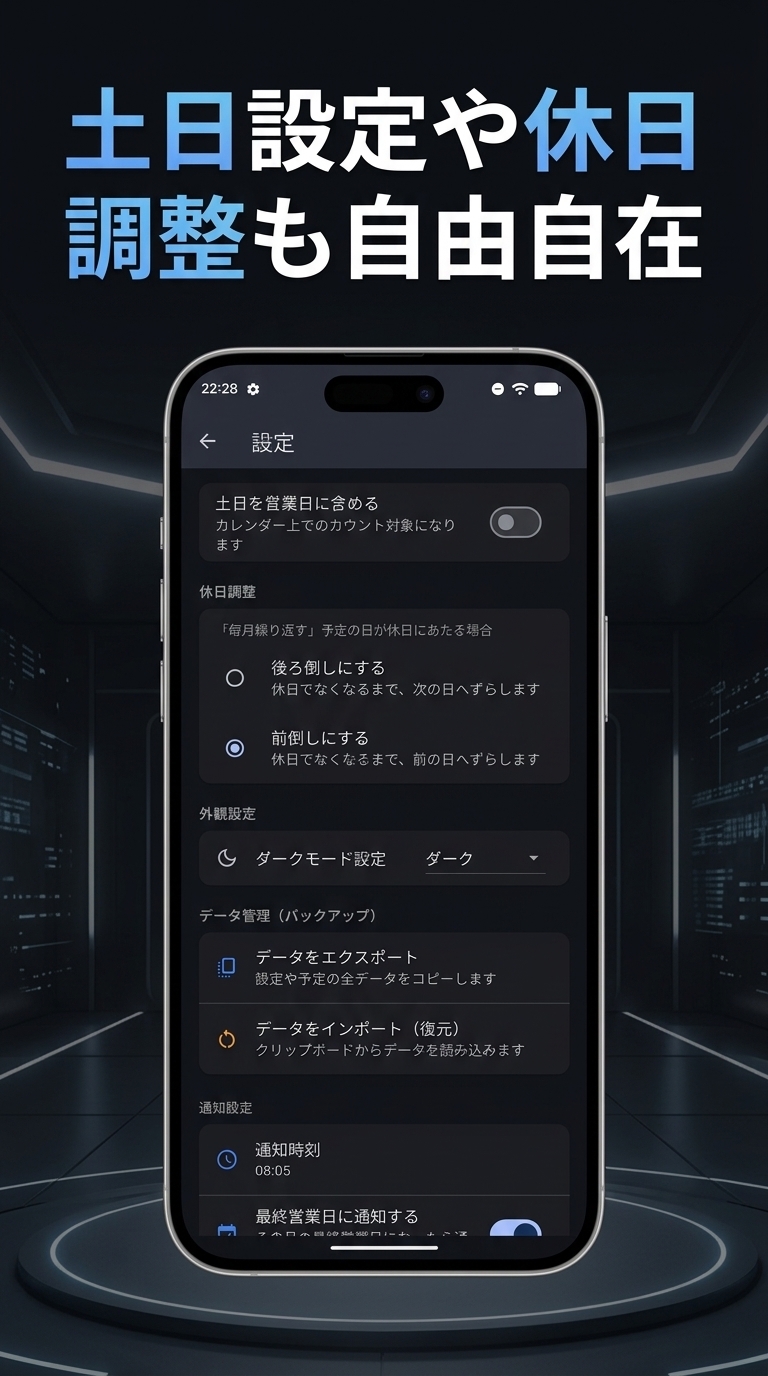
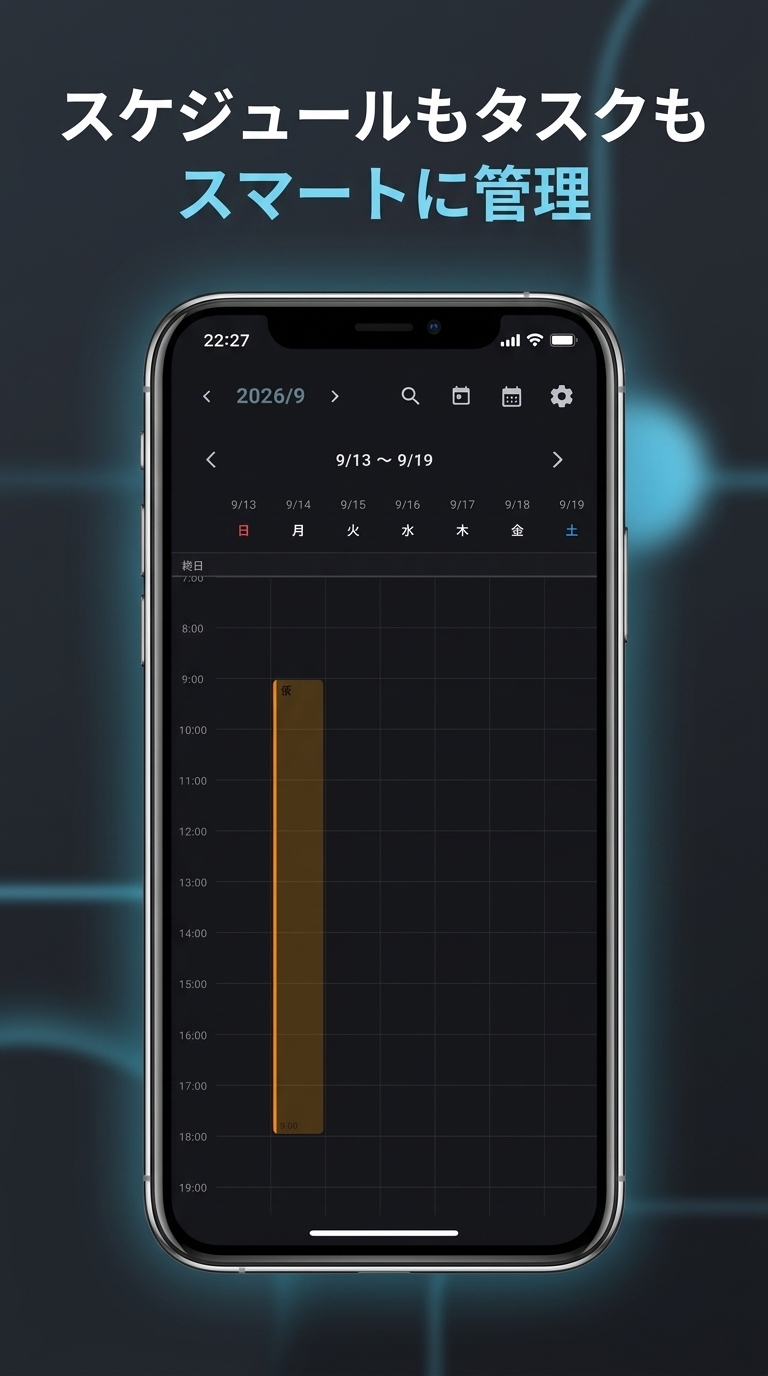
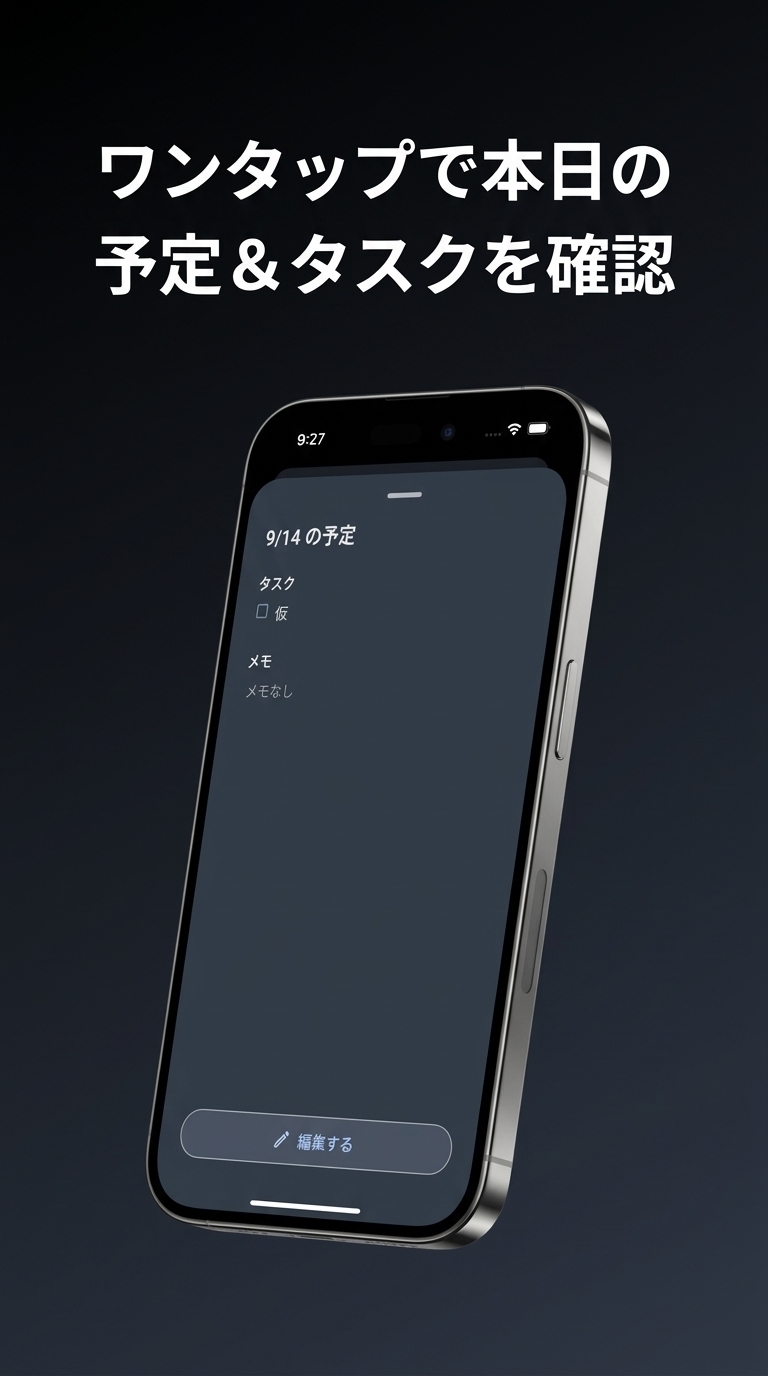
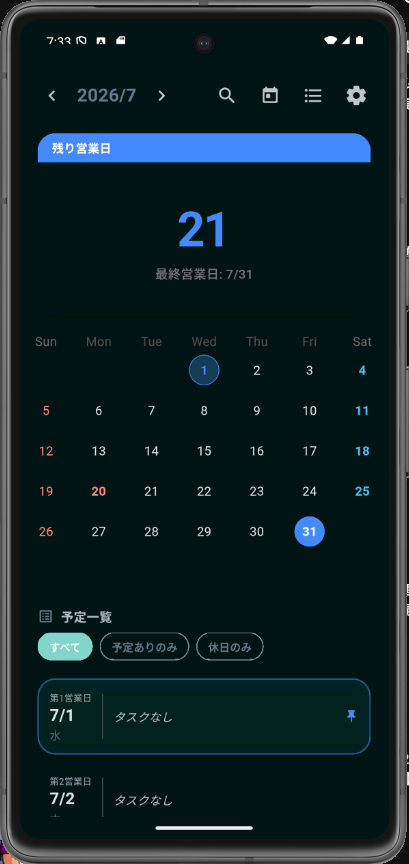
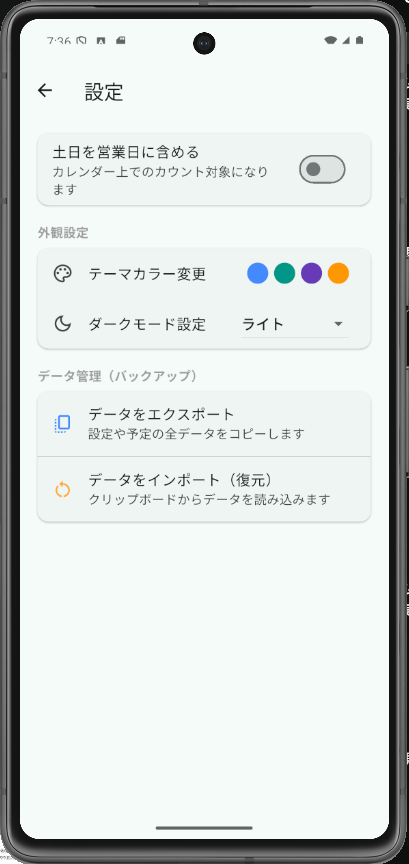
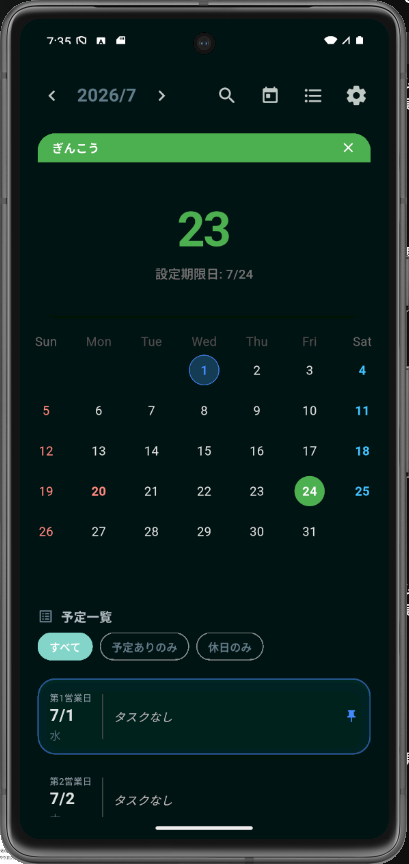
アプリの実機スクリーンショットです。横にスクロールしてご覧いただけます。Screenshots from the app. Swipe or scroll sideways to browse.
開発ログDev Log
個人で、こつこつ作っています。Built solo, one small update at a time.
個人開発ならではのスピード感で、機能追加や改善を重ねています。最近のアップデートをいくつかご紹介します。As a solo developer, I can move quickly on new features and fixes. Here are a few recent updates.
- 2026.09.27
Google Playで初回リリースを公開First release is live on Google Play
ノコリカの初回リリースを公開しました。営業日の確認から予定・タスクの管理まで、Google Playから無料でご利用いただけます。The first release of Nokorika is now live. Check your workdays and manage events and tasks — free on Google Play.
Google Play のアプリページを見るOpen the Google Play listing - 2026.09.20
Google Playへ審査を申請Submitted to Google Play for review.
クローズドテストが終了し、公開に向けてGoogle Playにアプリを提出。Closed testing is complete. Now submitting the app to Google Play for public release.
- 2026.06.28
ダークモードに対応しましたAdded dark mode
夜にカレンダーを開くことが多かったので、目に優しい配色を追加しました。設定からいつでも切り替えられます。Since I often check my calendar at night, I added an easier-on-the-eyes color scheme. Switch it anytime from settings.
- 2026.06.10
タグ別のカウントダウン機能を追加Added tag-based countdown
「銀行」「役所」のように用途別にタグを付けて、期限日までの残り日数を一目で確認できるようにしました。You can now tag events (like “Bank” or “City hall”) and see the days remaining until each deadline at a glance.
- 2026.05.22
週間バーティカルタイムラインを実装Built the weekly vertical timeline
1日の予定を時間軸で見たいという自分自身の要望から、週表示に縦のタイムラインを追加しました。Added a vertical timeline to the week view — something I personally wanted for seeing a day’s schedule by time.